
Reviewing a referee's development profile
The development profile gives training team members, MODs, and coaches a comprehensive view of an official's performance history, RMDE reports, match record, and development trends.
Who can do this?
| Role | Can view development profiles? |
|---|---|
| Training Team | Yes - all officials in society |
| MOD | Yes - all officials in society |
| MOC | Yes - all officials in society |
| Society Admin | Yes - all officials in society |
| Appointments Manager | Yes - all officials |
| Referee | No - own data only |
Note:
TRAINING_TEAMcan see all officials' development data but cannot write reports or modify appointments. This is a deliberate privacy boundary - they have visibility into performance but no operational access.
Opening a development profile
- Go to Members in the navigation
- Find the official you want to review (search by name or filter by role)
- Click View development on their member card
The development profile opens as a full-screen overlay.
Tip: The "View development" button is only visible if you have a role that includes development access (Training Team, MOD, MOC, Society Admin, Appointments Manager).
Overview tab
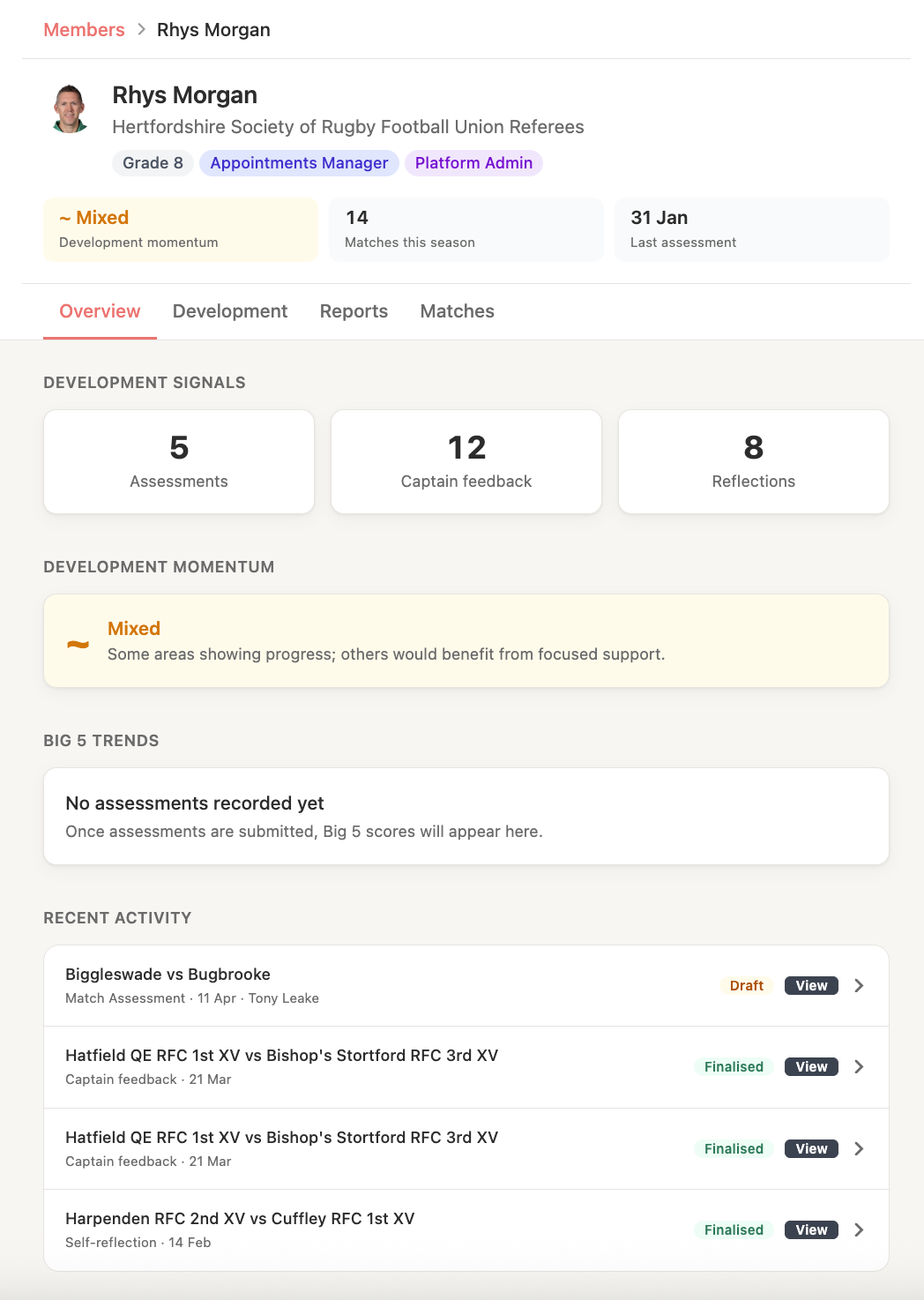
The Overview tab shows a summary of the official's development for the selected season:
- Performance indicators - trend direction for key areas:
- Safety trend
- Scrum/set piece trend
- Game management trend
- Recent activity - a timeline of recent development events (reports, reflections, matches)
- Season summary - total matches, reports completed, development sessions attended
Trend directions are shown as:
- Improving - performance in this area is trending upward
- Stable - no significant change
- Needs attention - performance in this area is declining or flagged
Development tab
The Development tab shows the official's full RMDE report history:
- List of all finalised reports, ordered by most recent
- For each report: match date, fixture, author (MOD/MOC), overall rating
- Click any report to read the full assessment
Reports in draft, ready, or in-review status are not visible here - only finalised reports appear in the development record.
Reports tab
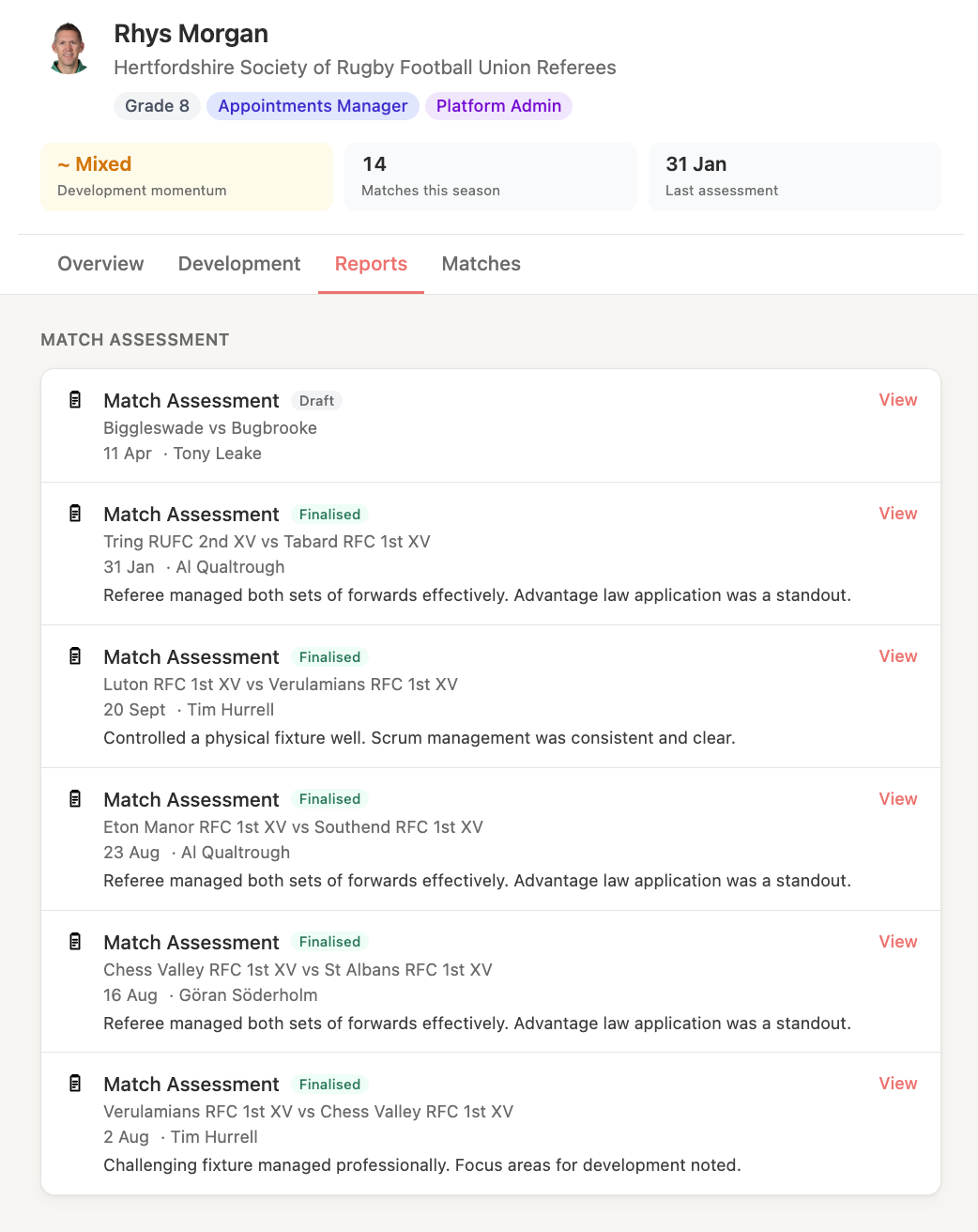
The Reports tab shows reports written about this official, grouped by season.
Matches tab
The Matches tab shows the official's full appointment history - every match they have refereed or appeared as an assistant for, with the outcome and any associated reports.
Season selector
Use the season dropdown (top right of the profile) to switch between seasons. Development data is always displayed in the context of a single season.
What you can do from the profile
Training team members and MODs can:
- Read all finalised RMDE reports
- View the official's availability record
- See performance trend data and indicators
They cannot (from this view):
- Edit reports
- Change appointments
- Modify the official's profile
If you need to create or edit a report, go to the Reports section.